
PvZ Hybrid Level Editor 0.30
Build your own stages for Remake 0.30: which editor matches your version and how to use it.
Unofficial fan site · All credit for PvZ Hybrid to 潜艇伟伟迷
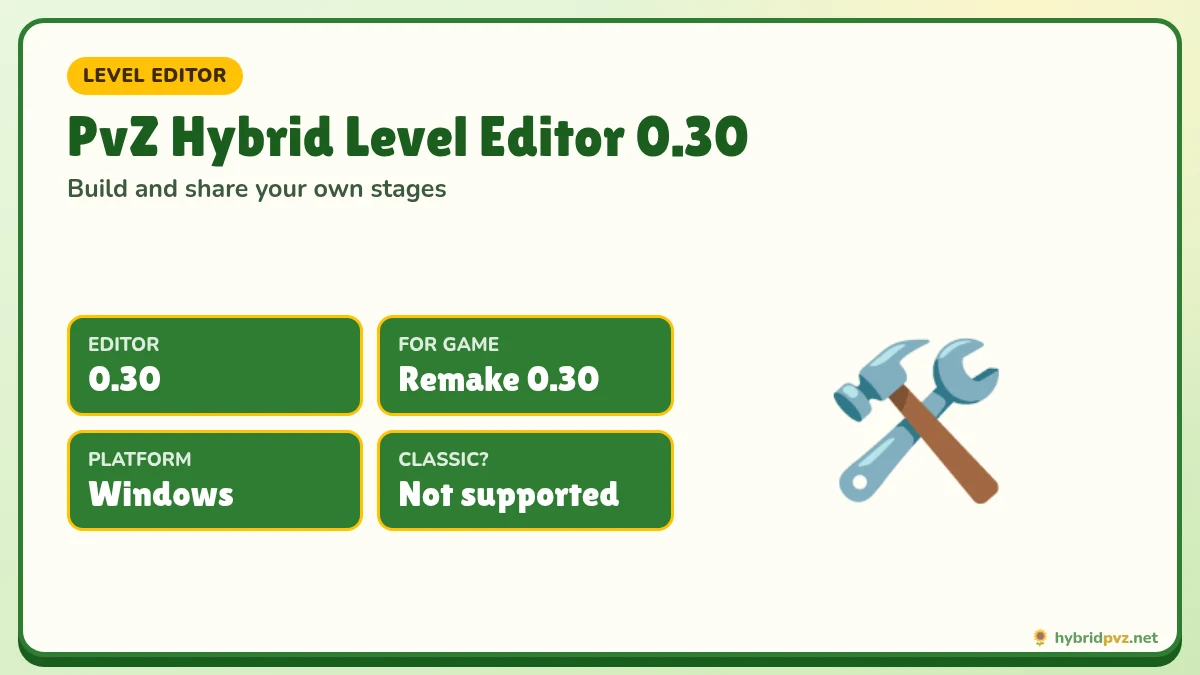
Quick info
Current editor
Level Editor 0.30
For Remake 0.30
Platform
Windows
File
Coming soon
Size and SHA-256 at launch
Game build
Remake 0.30
10 Oct 2026
On this page
- Level Editor downloads
- Why use the Level Editor?
- Match the editor to your game version
- What you can do with the Level Editor
- How to install the Level Editor (Windows)
- Building your first level: a simple workflow
- Design tips from good custom levels
- Sharing levels
- Level Editor troubleshooting
- Level Editor versions and matching games
- New level-making options in 0.31
- Sandbox Battle vs custom levels
- Frequently asked questions
The PvZ Hybrid Level Editor is a companion tool released by creator 潜艇伟伟迷 alongside the Remake. It lets you design your own stages: choose the map, set the waves of zombies, decide which plants the player gets and tune the difficulty. The current editor is Level Editor 0.30, made for Remake 0.30 (10 October 2026).
Level Editor downloads
| Editor | Use with | Platform | Size | SHA-256 | Download |
|---|---|---|---|---|---|
| Level Editor 0.30 (current) | Remake 0.30 | Windows | Listed when the file goes live | Listed when the file goes live | Coming soon |
| Level Editor 0.28 | Remake 0.28 and 0.28.1 | Windows | Listed when the file goes live | Listed when the file goes live | Coming soon |
| Level Editor 0.27 | Remake 0.27 | Windows | Listed when the file goes live | Listed when the file goes live | Coming soon |
| Level Editor 0.26 | Remake 0.26 and 0.26.1 | Windows | Listed when the file goes live | Listed when the file goes live | Coming soon |
Why use the Level Editor?
Once you finish the Remake’s chapters, custom levels are the best way to keep playing. Building your own stages is also the quickest way to understand how each hybrid plant and zombie really behaves: you control every variable, so you can see exactly why a defence holds or breaks. Content creators use the editor to make challenge videos, and groups of friends trade levels to see who can beat them with the fewest plants. Because each editor ships with the matching game release, every new Remake update also brings fresh building blocks, such as the 10 new plants and 10 new zombies of version 0.30.
Match the editor to your game version
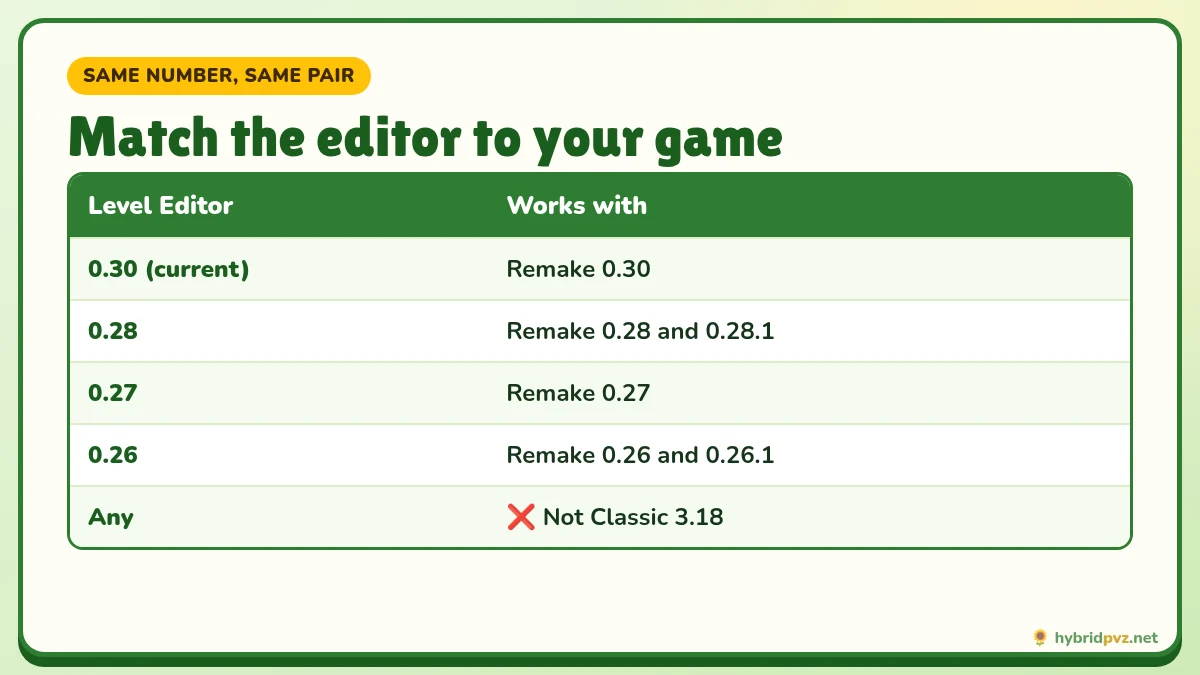
Each editor is built for a specific Remake release. Levels use the plants, zombies and maps that exist in that version, so an editor from one release may produce levels that do not load, or load wrongly, in another. Simple rule: same number, same pair. Use editor 0.30 with game 0.30. For “.1” maintenance releases, use the editor of the main version (0.28 editor for 0.28.1, 0.26 editor for 0.26.1).
The editor is for the Remake only. It does not work with Classic 3.18 or 3.17.
What you can do with the Level Editor
- Pick a map, including scenes from the Remake chapters such as Experimental Base, Riverside Lawn and Magic Garden.
- Build zombie waves: which zombies appear, in which lane, and when, including hybrid zombies and bosses.
- Set the player’s seed selection, forcing specific plants or letting players choose.
- Adjust starting sun and rules to create puzzle or survival challenges.
- Save and share your level as a file for other players.
Since 0.29 the Remake also includes MOD levels, and 0.30 added sandbox battles, both handy for testing ideas before you build a full level.
How to install the Level Editor (Windows)
- Install and run the matching Remake version first. See PvZ Hybrid for PC.
- Download the editor ZIP and verify its SHA-256 in PowerShell:
Get-FileHash "path\to\editor.zip" -Algorithm SHA256. - Extract the whole ZIP to its own folder, e.g.
D:\Games\PvZ Hybrid Level Editor 0.30. Keep it separate from the game folder. - Run the editor’s EXE from inside the extracted folder. Keep its resource files beside it.
- If SmartScreen warns about an unknown publisher, continue only if your hash matched.
Building your first level: a simple workflow
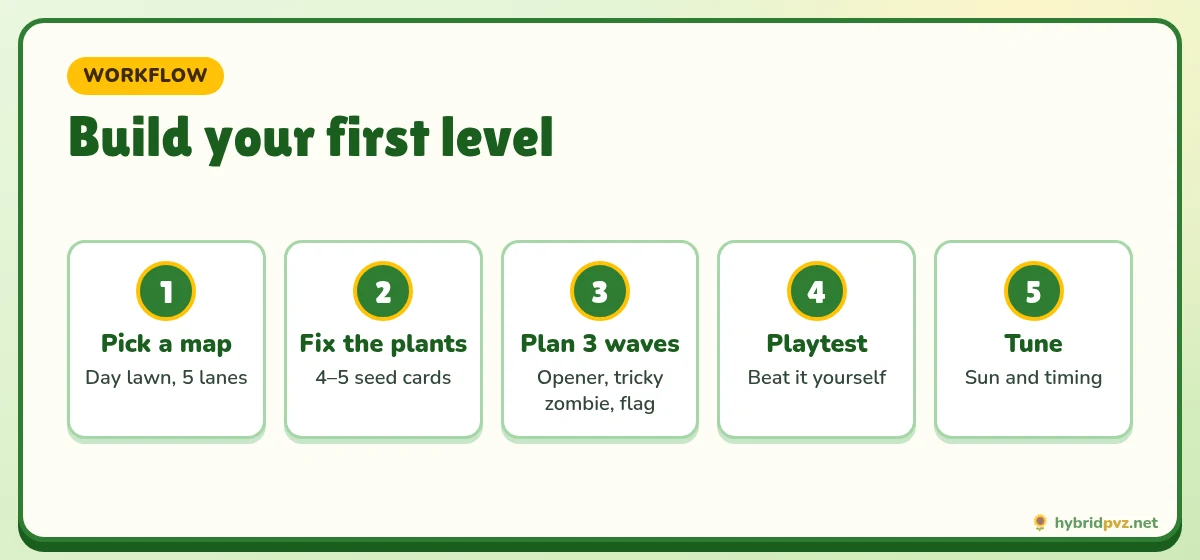
- Start small. Pick a day lawn map and five lanes. Give the player a fixed set of four or five plants.
- Plan three waves. A light opener, a mid wave that introduces one tricky hybrid zombie, and a final flag wave.
- Playtest it yourself in the game. If you can’t beat it comfortably, most players won’t either.
- Tune sun and timing. Most frustration comes from too little starting sun or waves arriving too close together.
- Name the file clearly with the game version, e.g.
mylevel_remake0.30.json, so others know which build it needs.
Design tips from good custom levels
- Give every level one idea: a puzzle with fixed plants, a pool-lane challenge, a boss rush.
- Introduce a new hybrid zombie alone before mixing it into crowds.
- Use the 0.30 pool maps to force water-plant decisions.
- Write a one-line description so players know what kind of challenge to expect.
- Credit ideas you borrowed from other creators.
Sharing levels
Share your level file together with the exact Remake version it was built for. Players can then load it in the matching game build. We plan to feature the best community levels on hybridpvz.net; send yours with your name, the version and a screenshot.
Level Editor troubleshooting
| Problem | Fix |
|---|---|
| Editor won’t open | Extract the full ZIP; don’t run from inside the archive. Update graphics drivers. |
| Level won’t load in the game | Check editor and game versions match. |
| Missing plants or zombies in the editor | You are using an older editor; download the one matching your game. |
| Antivirus removed a file | Re-download, verify the hash, restore and add a folder exclusion. |
More help: fix PvZ Hybrid errors.
Level Editor versions and matching games
| Editor | Works with | Platforms |
|---|---|---|
| Level Editor 0.30 | Remake 0.30 | Windows, plus an Android build has been reported |
| Level Editor 0.28 | Remake 0.28 / 0.28.1 | See the release notes |
| Level Editor 0.27 | Remake 0.27 | See the release notes |
| Level Editor 0.26 | Remake 0.26 / 0.26.1 | See the release notes |
Third-party tools like EFrostBlade’s PVZHybrid_Editor (its b0.75 build supports Classic 3.19) are separate Classic trainers or editors. They aren’t the creator’s Level Editor.
New level-making options in 0.31
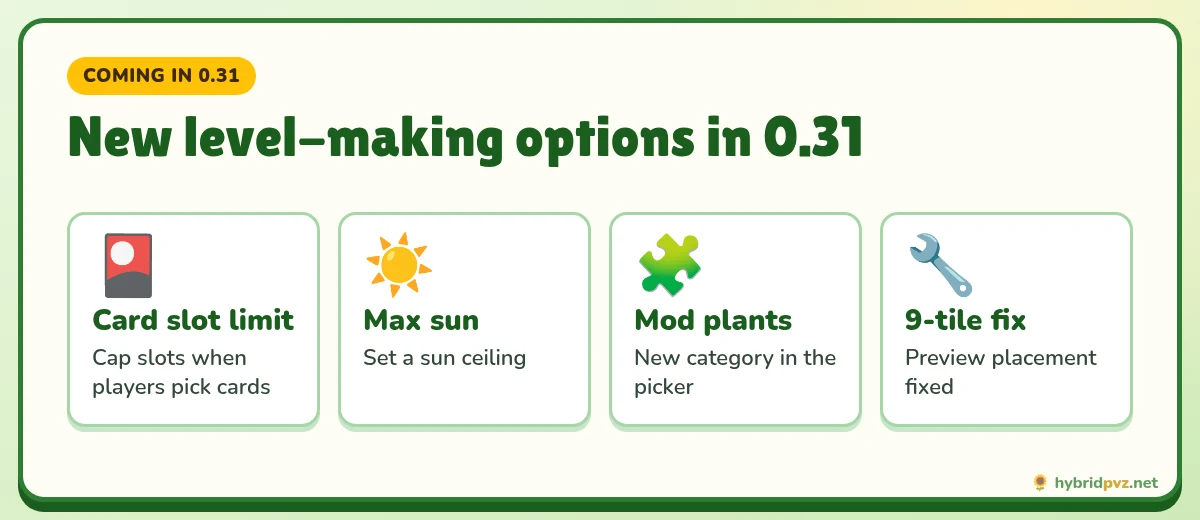
- You can limit the number of card slots when players choose their own cards.
- You can set a maximum amount of sun.
- There’s a new “Mod plants” category in the plant picker.
- It fixes placement errors when previewing 9-tile plants.
Sandbox Battle vs custom levels
Remake 0.30 added Sandbox Battle under Custom Levels → Sandbox Battle Levels. It’s a free-play arena for testing plant and zombie match-ups. The Level Editor is for building full stages with waves, a lawn type and rules you can share with others.
FAQs
Is there a level editor for PvZ Hybrid?
Yes. The creator releases a Level Editor alongside Remake versions. Level Editor 0.30 matches Remake 0.30.
Which editor works with Remake 0.30?
Level Editor 0.30.
Does the Level Editor work with Classic 3.18?
No. It is made for the Remake only.
Is the Level Editor on Android?
The editor is published for Windows.
Which editor do I use with 0.28.1?
Level Editor 0.28.
Is the Level Editor free?
Yes, like the game itself.
Is the PvZ Hybrid Level Editor free?
Yes. Like the game, it’s free.
Does the Level Editor work with Classic?
No. The creator’s editor is for Remake. Classic players use separate community tools.
Can I use a 0.28 level in 0.30?
Often, yes, but plants or zombies added later won’t be in older levels. Check each level in the matching game version.
Where can I share my levels?
Remake has online levels in the game, and fans share level files in community groups.
Keep exploring
Units you can place
Match editor to game
Editor problems
Files and checksums